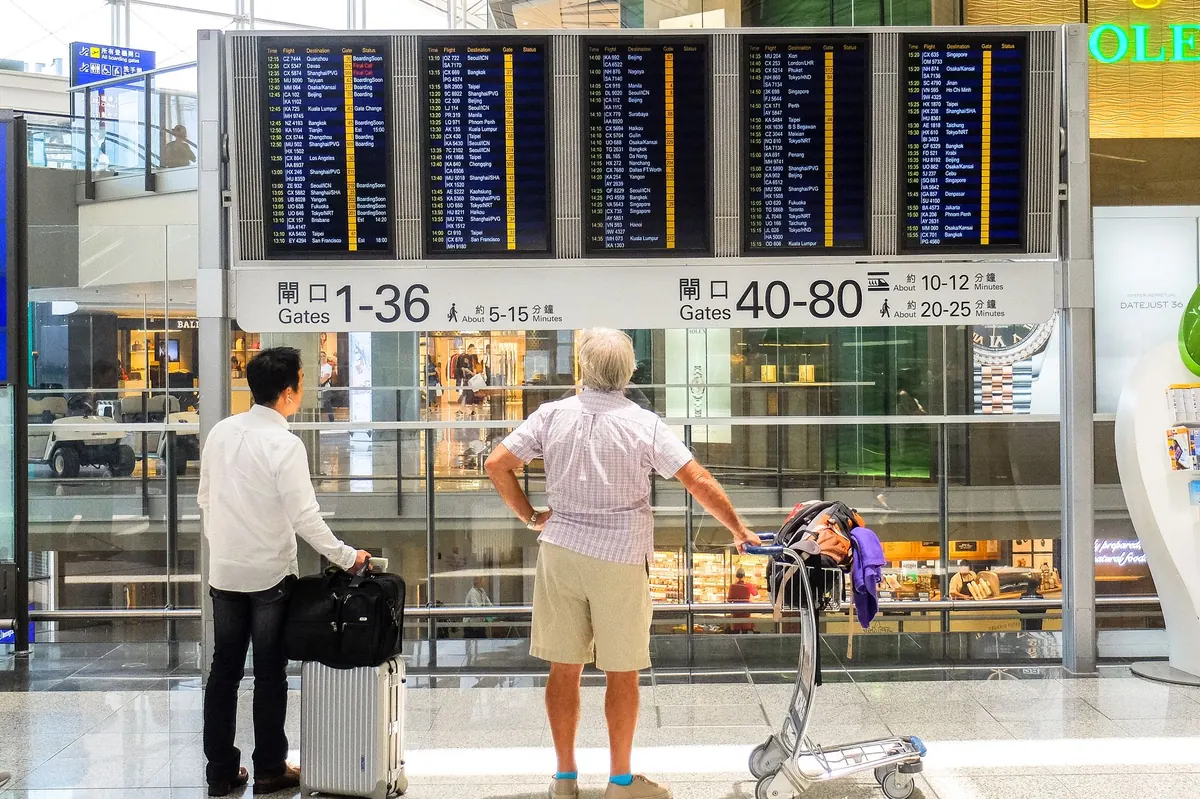
The first hour after landing is when connectivity matters most. You need a map, a message to your host, and a way to pay for a taxi without guessing the fare. Sort your data before you board and arrival becomes pleasantly boring. There are three realistic options for nomads: an eSIM bought before you fly, a local SIM picked up on the ground, and a pocket Wi-Fi device you carry with you. Each is best in a different situation, and most long-term travellers end up using more than one.
The three options at a glance
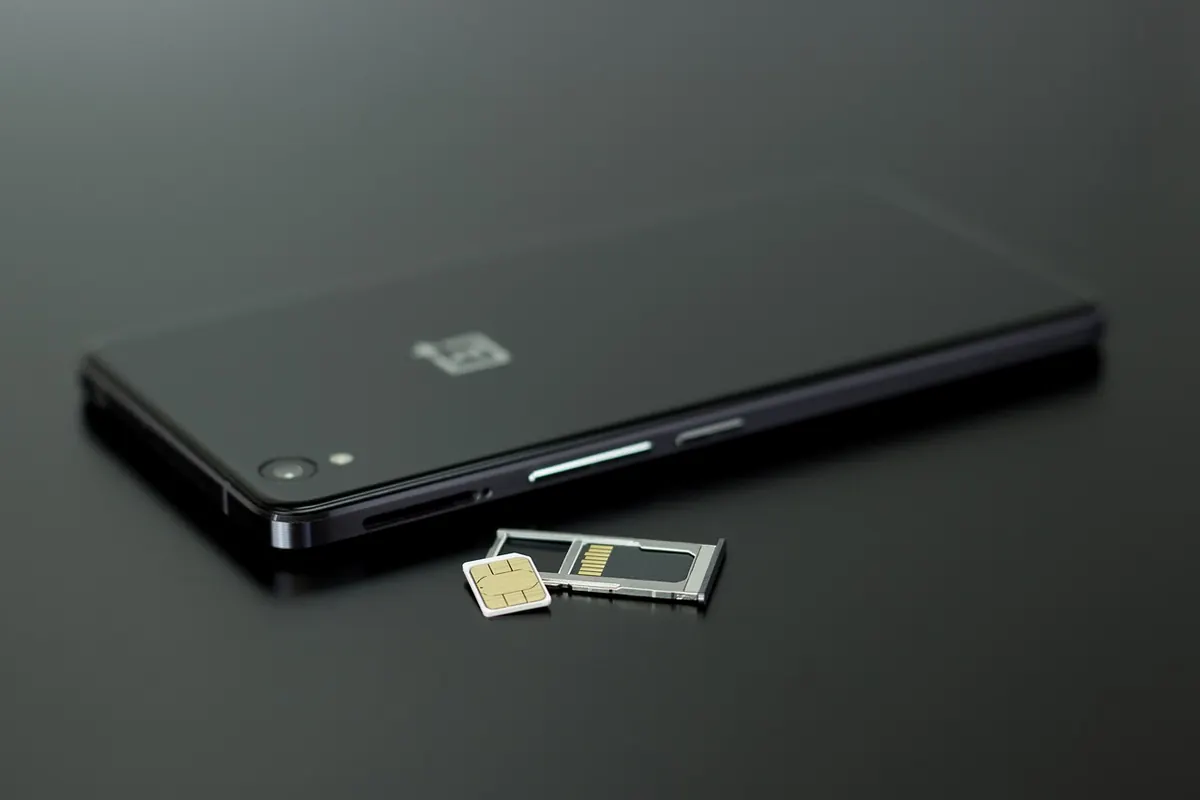
- eSIM: a digital SIM installed on your phone before departure. No plastic to lose, activates when you land, usually data-only.
- Local SIM: a plan from a network in the country you're visiting. Often the cheapest data per gigabyte, but you buy it after arrival and may need ID.
- Pocket Wi-Fi: a small battery-powered router that creates its own hotspot and connects several devices at once.
Which one suits you depends less on the technology than on the shape of the trip: one country or five, one traveller or four, ten days or ten months.
Cost: what you're really paying for
eSIM plans are priced for convenience. You pay before you travel, in your own currency, and the profile is ready the moment you switch it on. That convenience has a markup, so a data bundle that costs a few pounds from a local network might cost noticeably more through an eSIM marketplace. For a ten-day stay in one country, a local SIM will usually win on price.
Stretch that trip across four countries and the maths flips. Four local SIMs mean four shop visits, four registration processes and four unused data balances when you leave. A regional eSIM that covers the whole area starts to look cheap, even at a higher rate per gigabyte.
Pocket Wi-Fi is charged per day, usually with a deposit, which makes it expensive for one person and reasonable for a group. If you already own a travel router, buying a cheap data-only local SIM and putting it in the router often beats renting. Airport kiosks are convenient but usually cost more than a network store in town.
Coverage and speed: the network matters, not the format
An eSIM doesn't have its own coverage. It roams on one or more partner networks in each country, which works well in cities and along main transport routes but can be patchy in rural areas where only one domestic network reaches. A local SIM puts you directly on that network, which is why it's the safer choice if you're heading somewhere remote.
On speed, 4G is plenty for video calls, cloud backups and uploading photos. 5G is nice when you find it, but availability varies street by street, so paying a premium purely for 5G rarely pays off. In practice, the bottleneck for most remote workers is the accommodation's Wi-Fi, not mobile data.
Setup: the part people get wrong
Check two things before you buy anything: that your phone supports eSIM, and that it's carrier-unlocked. Then install the eSIM at home, while you still have reliable Wi-Fi, because downloading a profile over a hotel connection at midnight is nobody's idea of fun.
- Buy the plan and install the eSIM before you fly. Label it clearly in your settings.
- Turn off data roaming on your home line, but leave the line active so bank codes and two-factor texts still arrive.
- On landing, switch on the travel eSIM and set mobile data to use it.
- Test it immediately — open a map, send a message — while you're still in the airport.
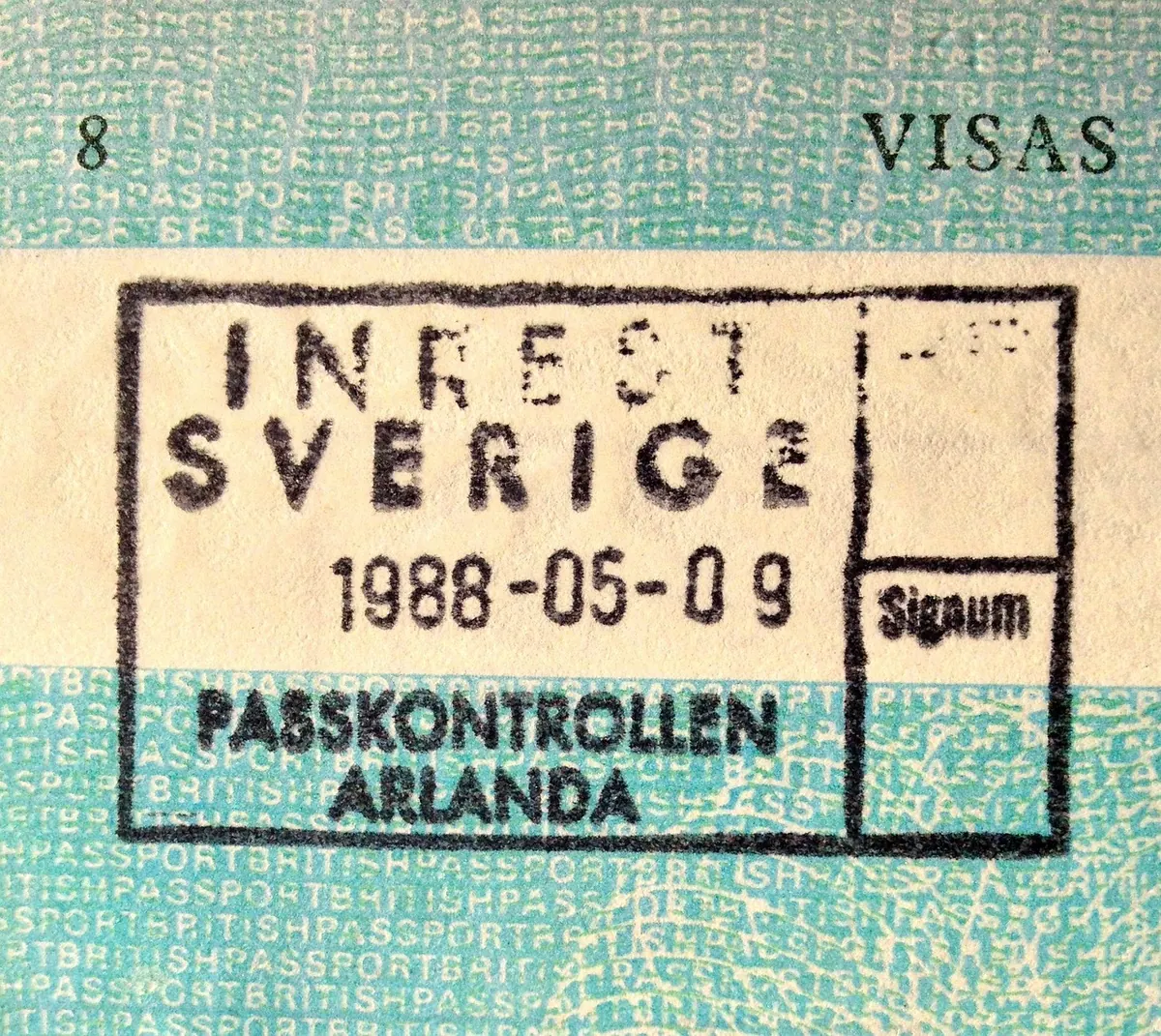
For a local SIM, take your passport. Many countries require registration, and some ask for a local address. Ask the staff to activate the SIM and confirm data works before you leave the counter, and set up the network's top-up app while you're there. Don't leave the shop with a SIM you haven't seen load a web page.
With pocket Wi-Fi, the discipline is battery and paperwork. Charge it every night, keep it in a bag rather than a pocket, note the return date, and read the fair-use policy — some rentals slow you down or charge extra after a daily data cap.
Keep your home number alive
Dual SIM is the trick that makes all of this painless. Leave your home SIM in the phone for incoming texts and calls, and run data through the eSIM or local SIM. Most modern phones handle two eSIMs plus a physical SIM, so you can hold a work line, a home line and a travel data plan at once. Just remember that receiving calls on your home number abroad can cost money, so let people know to message you instead.
When to mix and match
- Short trip, one country: eSIM, bought and installed before departure.
- Long stay, one country: local SIM, with a monthly top-up.
- Two or more travellers: pocket Wi-Fi, or one phone hotspot running a generous local plan.
- Heavy laptop work: local SIM in a phone or router, plus a cheap backup eSIM.
- Always: a second option, even if it's just a small credit balance on a spare eSIM.
Habits that save money and headaches
Turn off automatic photo backup and background app refresh before you leave, or a single day of syncing can eat a bundle. Download offline maps and translation packs while you're on Wi-Fi. Treat open public networks as untrusted and do your banking over mobile data or a VPN you already pay for.
Screenshot your plan details, the support contact and your SIM or eSIM reference, and keep them in an offline folder. Read the small print on anything advertised as unlimited, because throttling after a set amount is common. If your income depends on being online, treat connectivity as work equipment: check cancellation and refund terms, and don't rely on a single provider. Registration rules and roaming terms change often, so confirm the current requirements for your destination before you fly.
Choosing connectivity for each trip
For most people, the answer is a simple rule: eSIM for short or multi-country trips, local SIM for long stays in one place, pocket Wi-Fi when several devices or several people need to share. Buy your primary option before you leave, carry a backup you can activate in five minutes, and test everything while you still have a fallback connection. Do that, and you'll spend your arrival thinking about dinner instead of download speeds.
Photo: Pexels / Pixabay